
My First-Handon Experience with LunarVim

Monyvann
April 30, 2024
My First Month with Vim and LunarVim
I decided to try Vim. A YouTube video from devaslife finally pushed me to do it. I was using Visual Studio Code, but I wanted to see what Vim was about.
Getting Started: LunarVim
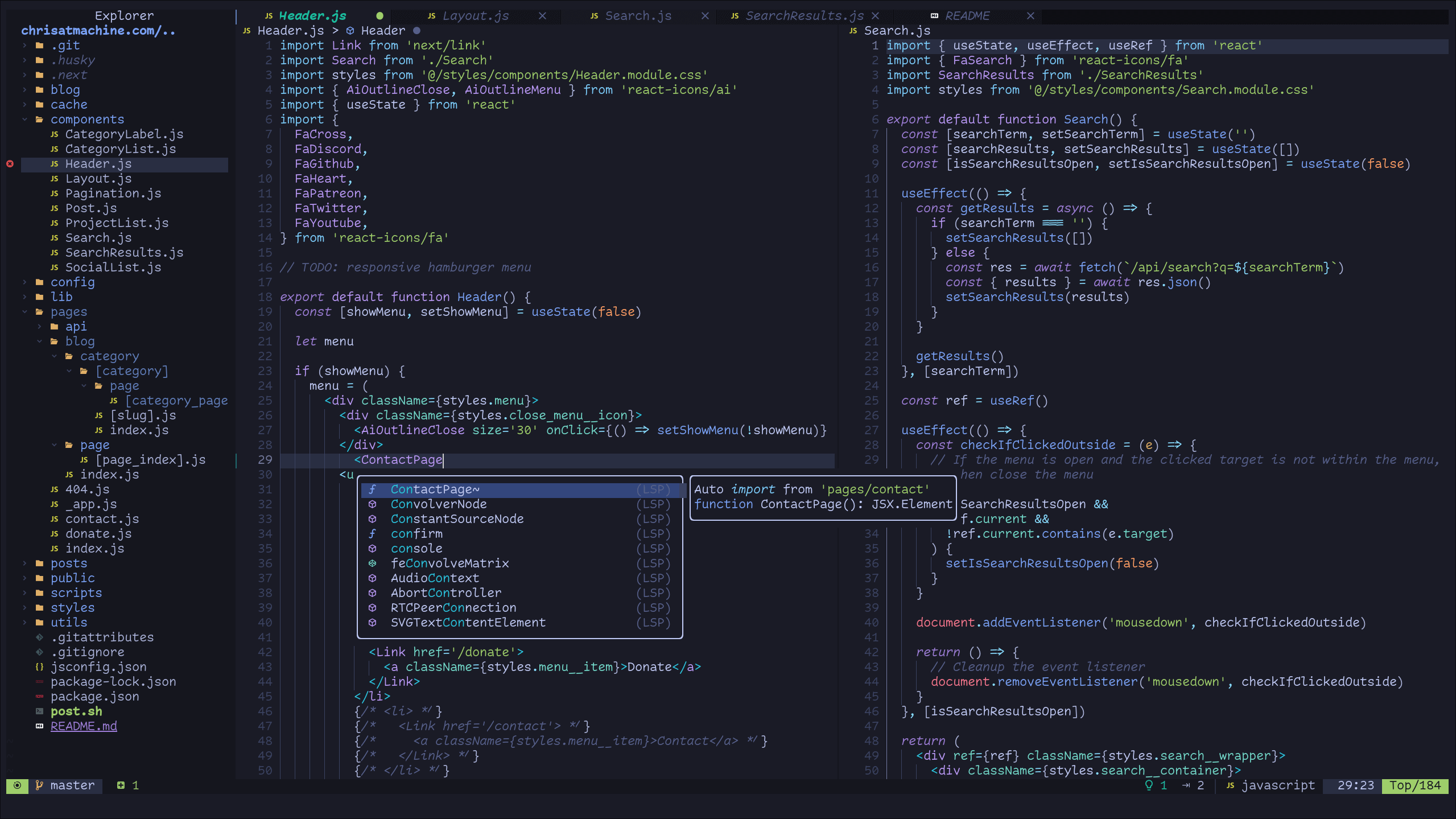
I chose LunarVim as my starting point. It's a pre-configured setup for Neovim (a Vim fork). Moving from VS Code felt like a big shift. Suddenly, the mouse wasn't the main tool. Everything centered around the keyboard. It was different, maybe even a bit intimidating.
The Hard Parts: Shortcuts and Setup
Learning Vim takes time. The biggest hurdle was the shortcuts, or keybindings. There are so many. Remembering them felt like learning a new language. Simple things in VS Code required figuring out the Vim way.
Configuring the Language Server Protocol (LSP) for Vue was also tough. It took searching and trial-and-error to get it working correctly. This seems common when setting up development tools. A 2024 Stack Overflow survey showed developers spend significant time configuring their environments.
"Persistence is very important. You should not give up unless you are forced to give up." - Elon Musk (Consider finding a quote more specific to learning or programming if preferred)
What I Liked: Vim's Efficiency
Even with the difficulties, some Vim features clicked immediately.
- Splitting tabs: Creating vertical or horizontal splits is fast.
- Moving through code: Navigating lines and blocks feels efficient once you learn the commands.
VS Code can do similar things with extensions, but Vim's built-in methods feel more integrated.
Productivity: It's a Process
Did Vim make me instantly faster? No. I'm probably slower right now than I was with VS Code. But using Vim is enjoyable. There's satisfaction in learning the commands and seeing small improvements. I look forward to getting better. Recent developer surveys (like GitHub's 2024 Octoverse report) often highlight the importance of developer experience and tool satisfaction, even alongside pure productivity metrics.
Dealing with Annoyances
Some things were frustrating. Saving files (:w), quitting (:q), undoing changes (u), and constantly switching between normal mode and insert mode felt clumsy at first. It takes practice to build muscle memory. But these annoyances also push you to customize your setup, which is a core part of the Vim experience.
Making It Mine: Customization
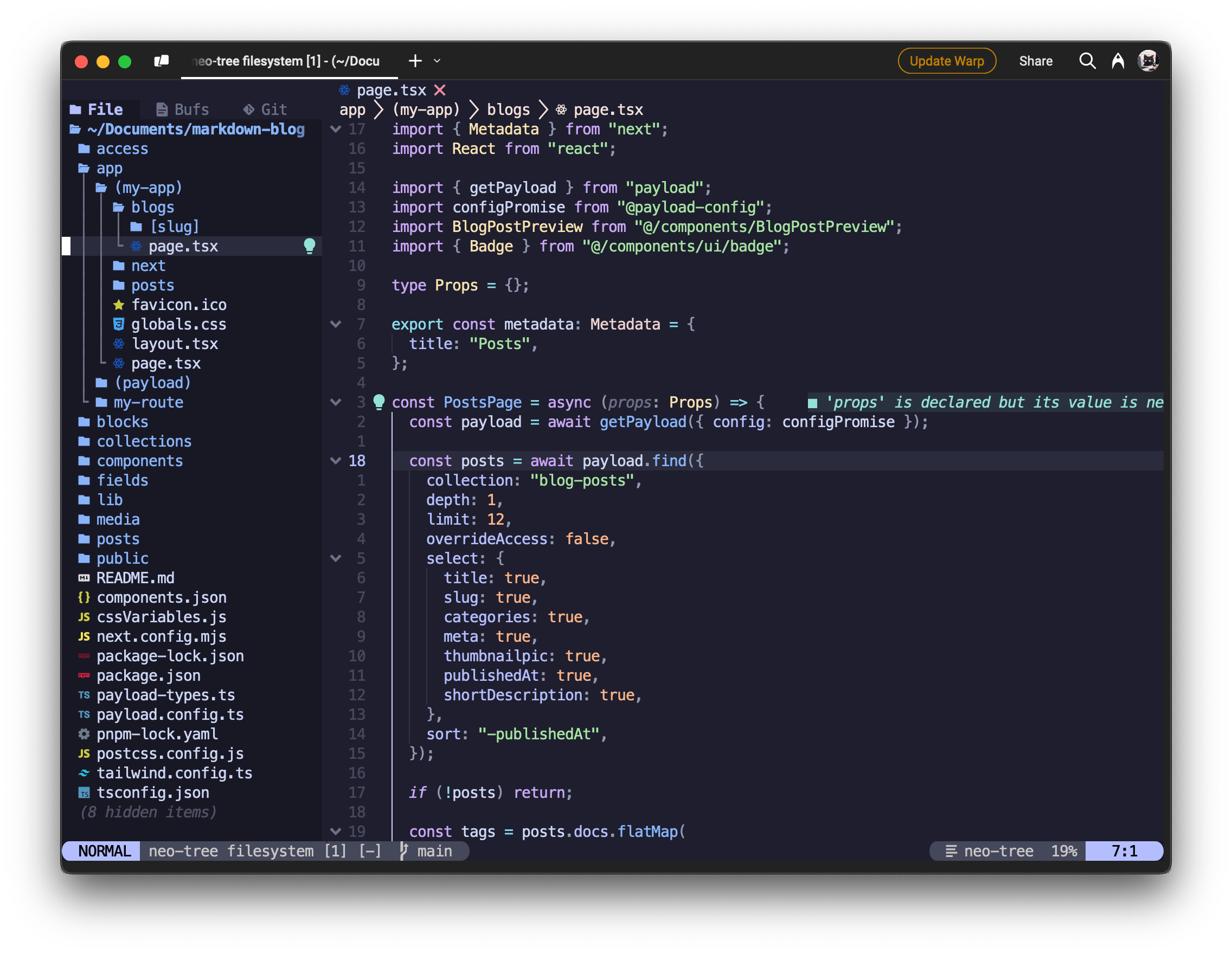
I looked at setups from YouTubers like devaslife, josean Martinez, and typecraft for ideas. Customizing the look and feel helps. I settled on the "solarized osaka" theme. It provides a clean, focused environment.
Tips If You Want to Try Vim
Thinking about learning Vim? Here’s my advice:
- Start with the basics: Don't try to learn everything at once. Run
vimtutor(a command-line tutorial included with Vim) first. - Focus on movement: Get comfortable navigating without the mouse. Learn
h,j,k,l,w,b,gg,G. - Use a preconfigured setup (optional): Tools like LunarVim or distributions like nvim-kickstart can ease the initial setup pain.
- Be patient: It takes time. Don't expect to be an expert overnight.
- Customize gradually: Change settings or add plugins as you identify specific needs.
The Journey Continues
My first month with Vim and LunarVim was a mix of learning, frustration, and fun. It hasn't completely changed my workflow yet, but I'm committed to learning more. Vim is a deep editor with a lot to offer. The adventure is just beginning.
Learn more: